
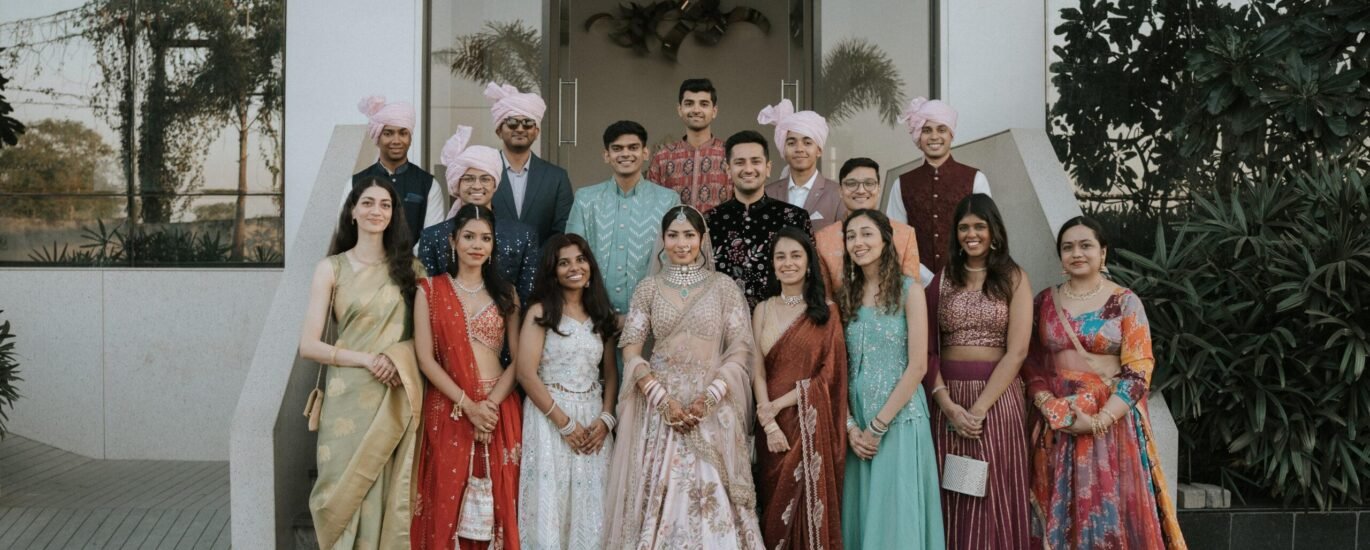
Your wedding photographs may include a large family, children, private moments and people who do not want to appear on social media. Sending the full gallery to every group chat is not the only way to let guests enjoy the photographs. Sharing wedding photos privately begins with deciding who should see which images.
A small set for public sharing, a guest gallery and a private collection can serve different purposes. You do not need a complicated system, but you do need to understand the settings of the service you use.
This guide explains practical questions to discuss with your photographer and family. It does not describe a particular gallery product or guarantee privacy features that may not be included in your booking.
Separate viewing, downloading and public posting
Someone may be welcome to view an album without being invited to download the full collection or publish it elsewhere. Those are different decisions. Make your expectations clear rather than assuming everyone understands what a shared link means.
Ask the photographer what controls are actually available. Depending on the delivery system, there may be options for restricted access, separate collections or download permissions. Confirm the current features before relying on them.
Create groups based on actual use
You might keep preparation photographs for close family, provide a wider set of guest portraits and select a few couple images for public posts. Choose categories that are useful to you rather than creating several galleries you will not maintain.
Write a short sharing note
A simple message can explain that the gallery is for the invited recipients and that you would like permission requested before public posting. Keep the wording warm and specific. A note sets an expectation, though it cannot technically prevent copying.
Ask about gallery access before delivery
Find out how the gallery link works and whether anyone with the link can open it. Ask whether access can be limited to named people, whether a password is supported and whether you can change or revoke access later.
Do not assume that an unlisted link is the same as a private account. If the system uses link-based access, forwarding that link may extend the audience. Ask the provider to explain the arrangement in plain language.
Check the expiry or retention period too. A delivery gallery may not be permanent storage. Agree on how long it remains available and what happens if you need the files again after that period.
Choose a sharing arrangement the family can manage
The best arrangement is one people can use without accidentally opening the collection more widely. Consider relatives who may need help viewing photographs, and provide support without distributing your main account login.
| Collection | Possible audience | Question to settle |
|---|---|---|
| Private moments | Couple or selected close family | Who genuinely needs access? |
| Guest photographs | Invited wedding guests | Can the link be forwarded? |
| Album shortlist | Couple and chosen family reviewers | Who sends the final selection? |
| Public highlights | Social media or public website viewers | Is everyone shown comfortable with posting? |
| Original downloads | People responsible for storage and prints | Where are the master copies kept? |
These are examples, not required gallery folders. A smaller event may need only a private collection and a few approved public photographs.
Respect guests’ preferences before public sharing
Ask before publicly posting a close portrait of someone whose preference you do not know. Give people an easy way to request that an image be left out of public highlights. Do not turn that request into a discussion about why they attended the wedding.
Parents may have particular preferences about photographs of their children. Check those before selecting public posts or portfolio images. Permission to attend an event should not be treated as a conversation about every future use of a photograph.
Tell the photographer about known restrictions
If you already know that someone should not appear publicly, share a practical identification method with the photographer. Keep unrelated personal details out of the brief. The team needs enough information to respect the preference, not a full account of the person’s circumstances.
Distinguish the family gallery from the studio portfolio
Discuss portfolio and advertising use in the photography agreement. You may choose different permissions for different images. Record the arrangement clearly so it does not depend on remembering an informal conversation months later.
Protect the account behind the photographs
Use a strong, separate password for the account holding your files, and follow the service’s security guidance. The UK’s National Cyber Security Centre recommends two-step verification for important online accounts. Enable the supported protection for your storage and email accounts where available.
A gallery password and your main account password serve different purposes. Do not send relatives your personal account login to make viewing easier. Ask for a suitable viewer-sharing method instead.
Keep recovery information current using the provider’s own instructions. If several family members manage the collection, agree who is responsible for the account and how access will be maintained over time.
Download the original files before making sharing copies
Use the photographer’s delivery method and check that the download is complete. Open a few files from different parts of the gallery rather than relying only on the presence of a large folder. Keep the original filenames intact.
Make separate copies for messaging, social posts or crops. Some sharing routes may change image quality or dimensions, so do not use those copies as your only masters. Ask the photographer which files are intended for printing.
Keep a separate backup and check periodically that you can open it. A gallery link, a phone and a single computer can each become unavailable. Your storage plan should not depend solely on the studio retaining everything indefinitely.
Make a small public highlight set
Select a limited set of photographs that tells the story without exposing every part of the day. Check backgrounds as well as faces. A room photograph might show a guest list, a personal document or information you did not intend to publish.
Review captions for names, relationships and location details. Avoid adding private information simply because it makes a caption longer. If a guest prefers not to be tagged, respect that even when they are comfortable appearing in the photograph.
Credit the photographer according to the agreed usage terms. Credit does not replace permission, and permission does not automatically mean every commercial or public use is covered. Ask the studio when you are unsure about your intended use.
Keep album feedback in a separate process
A shared gallery can collect hundreds of favourites from different relatives. That may be enjoyable, but it does not automatically create an approved album selection. Agree on who will choose and consolidate the final list.
Use filenames and a single feedback document for the designer. Keep guest comments separate from print approval. The wedding album selection guide explains how to turn favourites into a balanced book.
If multiple people can add or remove files, ask whether there is a safer review-only arrangement. Avoid changing your master folder while relatives are still deciding which images they like.
Respond promptly if a link reaches the wrong audience
Check what the service allows: access revocation, password changes or a replacement link may be available. Contact the photographer or provider for help with the actual system rather than assuming that deleting a message removes access.
Remember that a person who has already downloaded or captured an image may retain a copy. No ordinary gallery setting should be described as making copying impossible. Share sensitive collections with a deliberately limited audience from the start.
For current delivery and portfolio arrangements, ask Memories by TK Solanki before booking. Explain whether you need a guest-friendly set, a private collection or restrictions on public use.
Frequently asked questions
Is a password-protected gallery completely private?
No system should be treated as a guarantee against screenshots, forwarding or downloaded copies. Ask how access works and combine suitable settings with clear sharing expectations.
Should we send every guest the full gallery?
Only if that is the audience you intend. A separate guest selection can be easier to navigate and can keep preparation or private family moments within a smaller group.
Can the photographer store our files forever?
Do not assume that. Confirm the retention period and keep your own organised downloads and backups. Long-term storage responsibilities should be clear before the delivery link expires.